Importance of Identifying Null Values in Data Analysis

One of the foundational steps in any data analysis or data preprocessing pipeline is assessing data completeness by identifying null values. Null values can significantly affect the quality and accuracy of analytical results, and failing to account for them can lead to incorrect conclusions, flawed models, or broken pipelines.

Why This Step Is Crucial:

  1. Data Quality Assessment: Detecting null values helps gauge the overall quality and usability of the dataset. A high percentage of missing values in critical columns may indicate data collection issues or the need to refine upstream systems.

  2. Informed Decision-Making for Handling Missing Data: By identifying which rows and which columns are affected, analysts can make informed decisions in collaboration with business stakeholders such as,

    • Imputation (e.g., filling with constant or statistical value like mean, median or mode)

    • Dropping rows or columns that do not contribute meaningful or relevant information for analysis

    • Using domain-specific logic for replacement

  3. Avoiding Bias or Data Leakage: If we don’t handle missing values carefully, it can lead to unfair or inaccurate results in our analysis or models. For example, filling in missing values without understanding why they're missing could accidentally reveal information that wouldn't normally be available — this is called data leakage. 

  4. Debugging and Root Cause Analysis Tracing which rows and columns contain nulls can also help in root cause analysis—e.g., identifying issues with a specific source system, time period, or user segment.

Summary

In short, identifying null values by row and column is not just a data-cleaning step, but a critical diagnostic tool in ensuring the reliability and effectiveness of any data-driven work. It helps build trust in the data, informs downstream decisions, and ultimately leads to more robust and accurate insights.

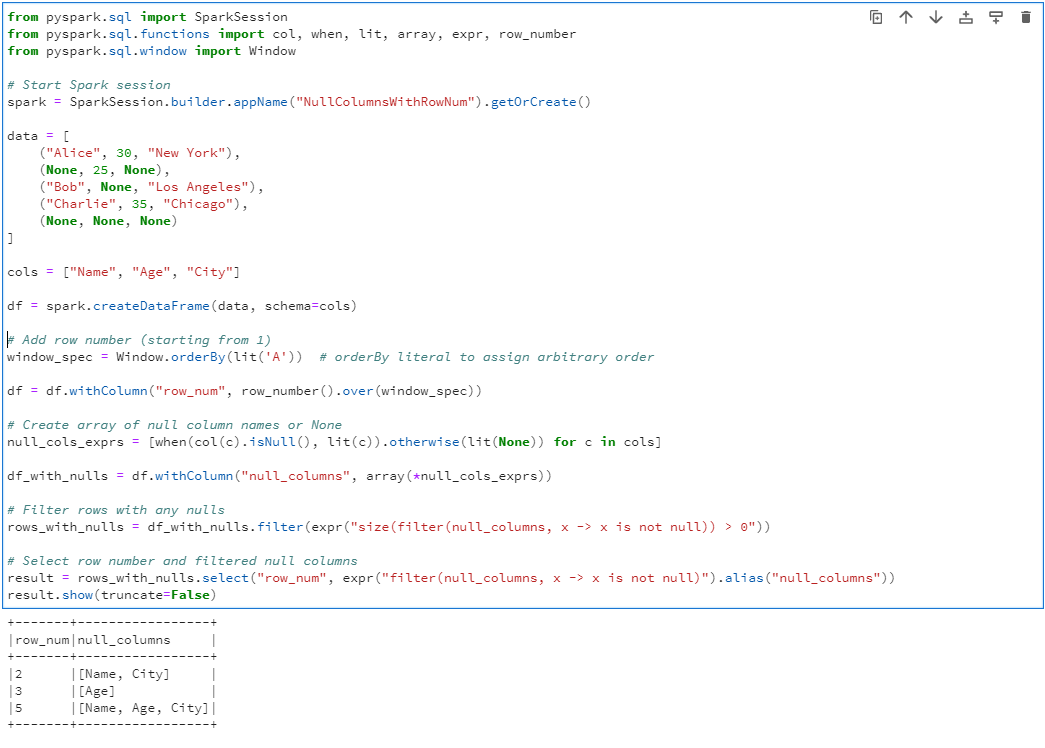
The following PySpark code helps identify which rows have missing values and exactly which columns are affected, making it easier to decide how to handle them.

from pyspark.sql import SparkSession
from pyspark.sql.functions import col, when, lit, array, expr, row_number
from pyspark.sql.window import Window

# Start Spark session
spark = SparkSession.builder.appName("NullColumnsWithRowNum").getOrCreate()

data = [
("Alice", 30, "New York"),
(None, 25, None),
("Bob", None, "Los Angeles"),
("Charlie", 35, "Chicago"),
(None, None, None)
]

cols = ["Name", "Age", "City"]

df = spark.createDataFrame(data, schema=cols)

# Add row number (starting from 1)
window_spec = Window.orderBy(lit('A')) # orderBy literal to assign arbitrary order

df = df.withColumn("row_num", row_number().over(window_spec))

# Create array of null column names or None
null_cols_exprs = [when(col(c).isNull(), lit(c)).otherwise(lit(None)) for c in cols]

df_with_nulls = df.withColumn("null_columns", array(*null_cols_exprs))

# Filter rows with any nulls
rows_with_nulls = df_with_nulls.filter(expr("size(filter(null_columns, x -> x is not null)) > 0"))

# Select row number and filtered null columns
result = rows_with_nulls.select("row_num", expr("filter(null_columns, x -> x is not null)").alias("null_columns"))
result.show(truncate=False)